Tool Wavetable
Wavetable Assembler
kimura taro •
Wavetable Assembler
with clm chunk
1. Import SCW Components
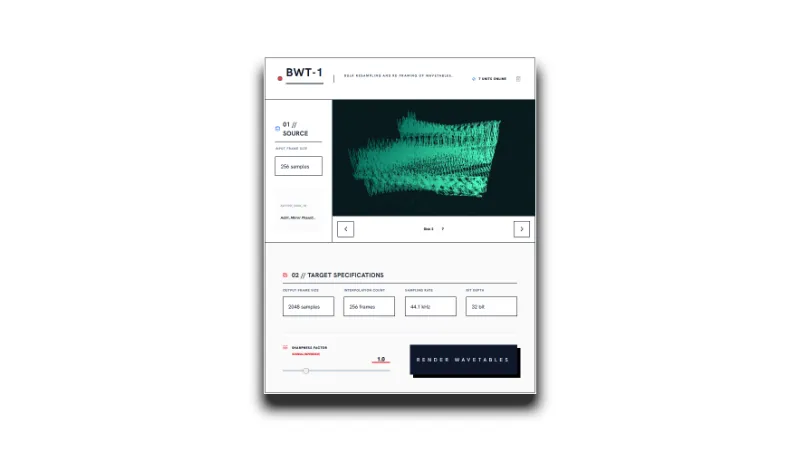
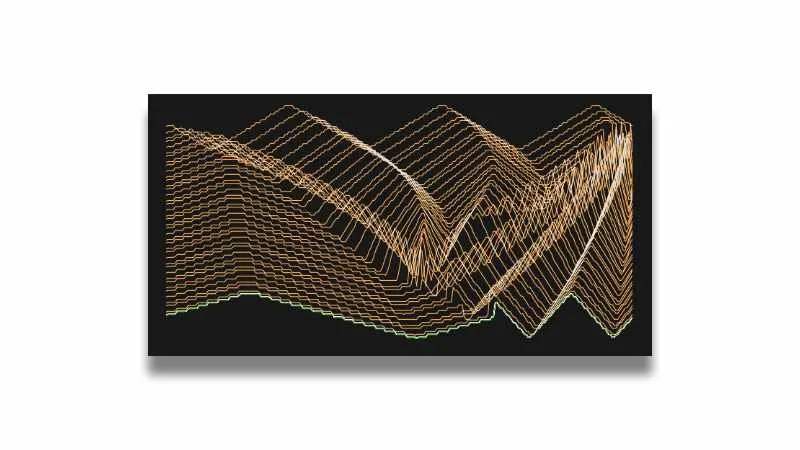
3D Wavetable Preview
Load wavetables to preview
Cycle Length:-
Total Cycles:-
Result Samples:-
2. Assembly & Metadata Settings
Ready
Wavetable Assembler
Assemble Single Cycle Waves into a Wavetable
1. Import Single Cycle Waves
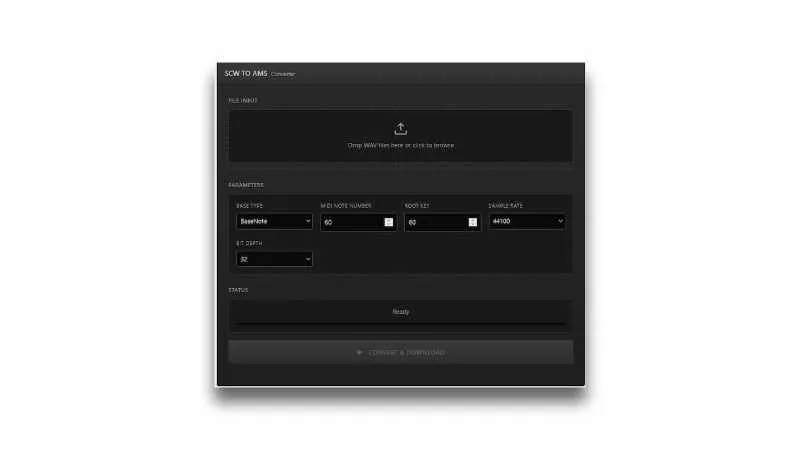
- Drag and drop single cycle waveforms[wav files] directly into the app
2. Configure Output Settings
- Select the Sample Rate
- e.g. 44.1 kHz, 48 kHz
- Select the Bit Depth
- e.g. 16-bit, 32-bit float Adjust these settings to ensure compatibility with your DAW or synthesizer.
3. Export Wavetable
- Click the “ASSEMBLE & DOWNLOAD (with CLM)” button to generate the wavetable file.
[02.28.2026 Update] Minor Update: Added clm chunk off mode