AMS Converter
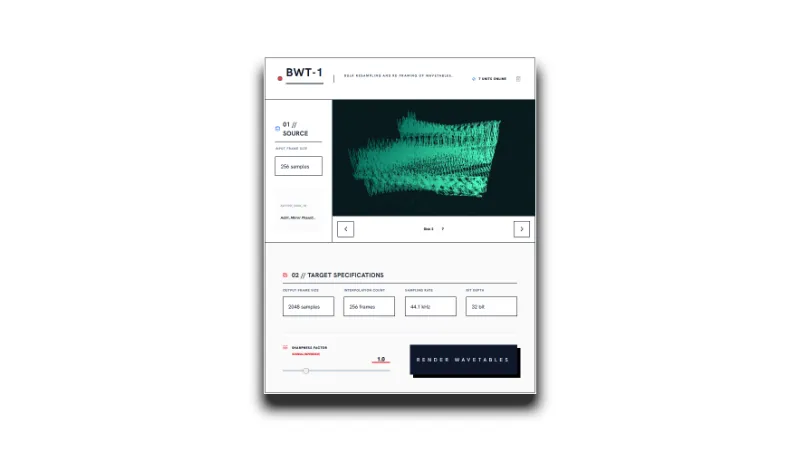
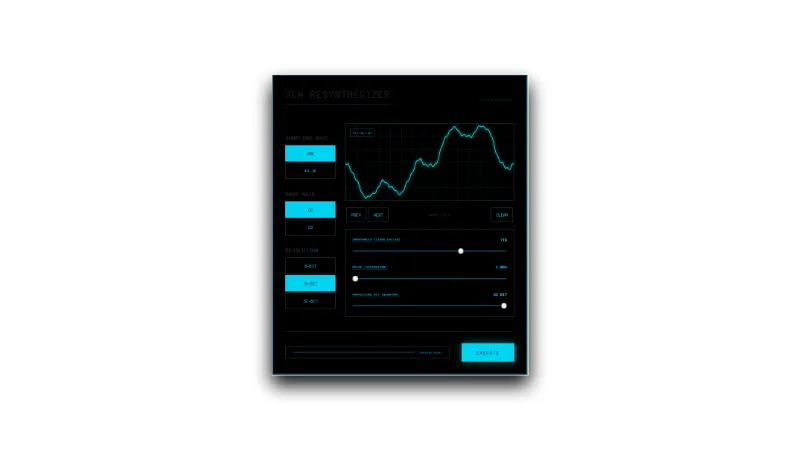
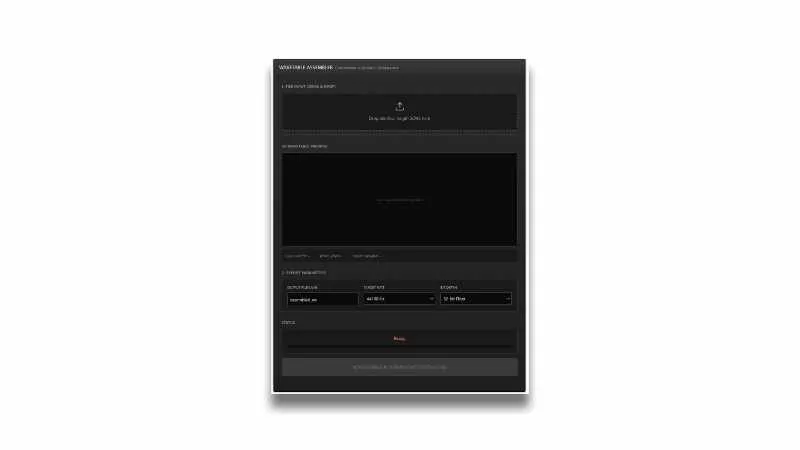
Converter from Single Cycle Waveforms to AMS Files
How to use
- Drag your single cycle waveforms(wav format)
- Set BaseFreq, RootKey, SampleRate, Volume, Harmonics
- Download AMS files
Unofficial Ableton Operator features.

AMS files are multi-cycle waveforms that can be generated from Ableton Operator’s additive synthesis editor. It can also be used with Ableton Sampler/Simpler and Drum Sampler.
Explain the content of the text
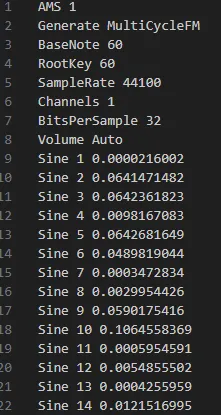
BaseFreq/BaseNote
BaseFreq stands for fundamental frequency. 261.625549 on the text means 261.625549 Hz, and it is worth C3 of 12 temperament. The fundamental frequency can be changed freely.
Also, BaseFreq can be rewritten to BaseNote. BaseNote allows you to enter midi note numbers instead of frequencies.
BaseFreq = 261.625549 = BaseNote = 60
RootKey

RootKey can be applied when importing into Sampler. 60 on the text means Midi note number 60, which means the root of the current sample. Sampler is set to C3 and is set to play only C3 on the keyboard.
SampleRate
SampleRate means sampling frequency, default 44100 means 44.1 khz. Basically, it is common to enter 96000, 48000, 44100.
Volume
Volume means the volume of the waveform. By default, it is Auto, but you can enter it and set it. However, it is recommended to leave it as Auto because it will overrun depending on the number.
Sine 1~64
Sine1 ~ 64 can set the volume of 1 ~ 64 harmonics. The default is 64 but it can be extended to 128. You can also set cosine waves.